DocuSign can only be activated by a user with admin rights on the cloud site. If you do not have sufficient permissions, please contact someone within your company who has admin rights.
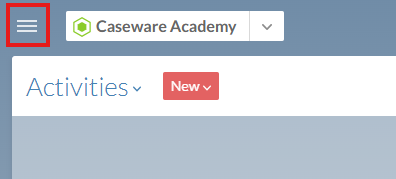
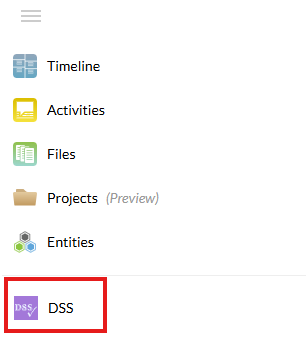
You can open the DSS application via the cloud menu in the upper-left corner of the page.
This application is visible only to users with admin rights.
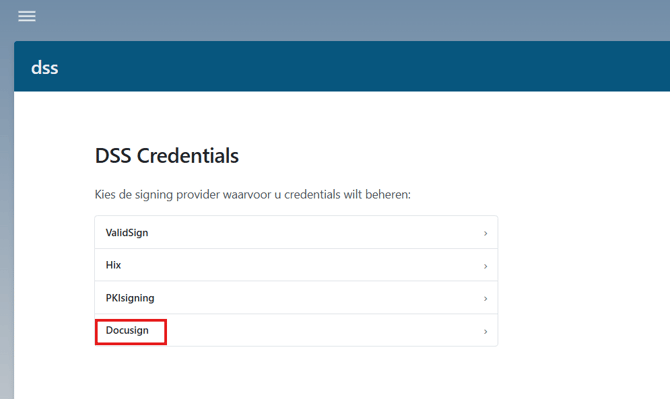
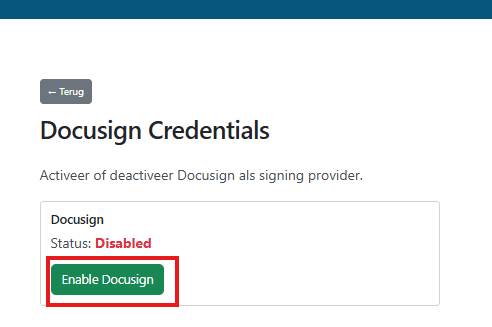
Here, you can access the DocuSign settings and enable the feature.
Once enabled, this feature will be available to all users in new Engagements.