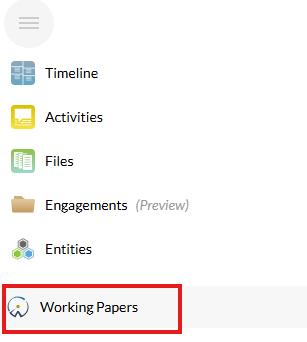
In the cloud menu on you cloud site you can find the application Working Papers, opening this will show you a list of all engagements in the selected Entity. If you want to see all engagements, you can select All Entities.
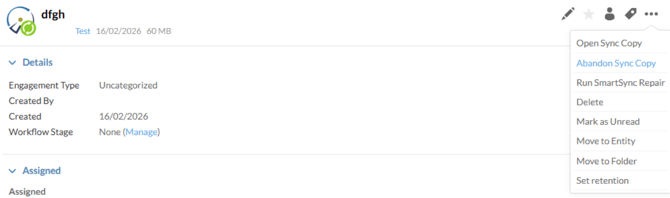
- When selecting an Engagement you must first select Abandon Sync Copy, this will remove all existing Copies of this engagement
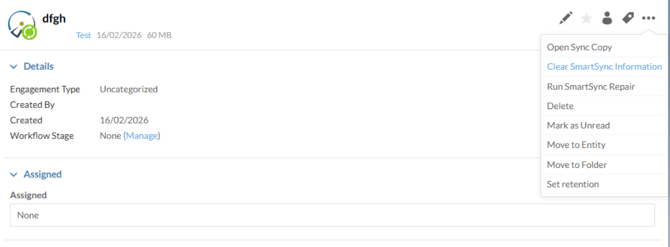
- Afterwards, select Clear SmartSync Information.
This will remove all information relating to this cloud site from the engagement
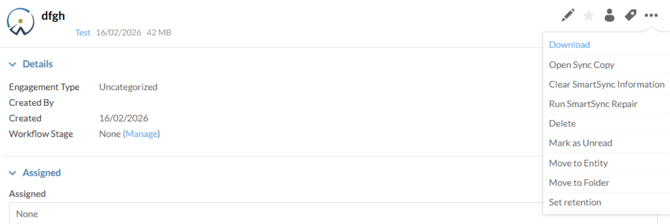
- Once the green Sync symbol disappeared from the Working Papers logo you can download the parent file locally